All of FutsuObsidian bridge
One graph. Two homes.
Futsu speaks Obsidian JSON Canvas v1.0 natively, so your pipelines live wherever you think best — and stay in sync both ways.
Interop
Two-way JSON Canvas sync.
Export a Futsu pipeline to an Obsidian canvas, edit it in your vault, and import it back — the graph round-trips losslessly through the open JSON Canvas v1.0 format.
- Open JSON Canvas v1.0 format
- Lossless export ⇄ import
- Version pipelines as plain files in your vault
{
"nodes": [
{ "id": "planner", "type": "agent", … },
{ "id": "coder", "type": "agent", … }
],
"edges": [
{ "from": "planner", "to": "coder" }
]
}
Workflow
Design where you think.
Sketch the flow in Obsidian alongside your notes, then open it in Futsu to pin models and run it. Same graph, two surfaces — no copy-paste, no drift.
- Sketch in Obsidian, run in Futsu
- Keep pipelines next to your docs
- No lock-in — it's just a canvas file
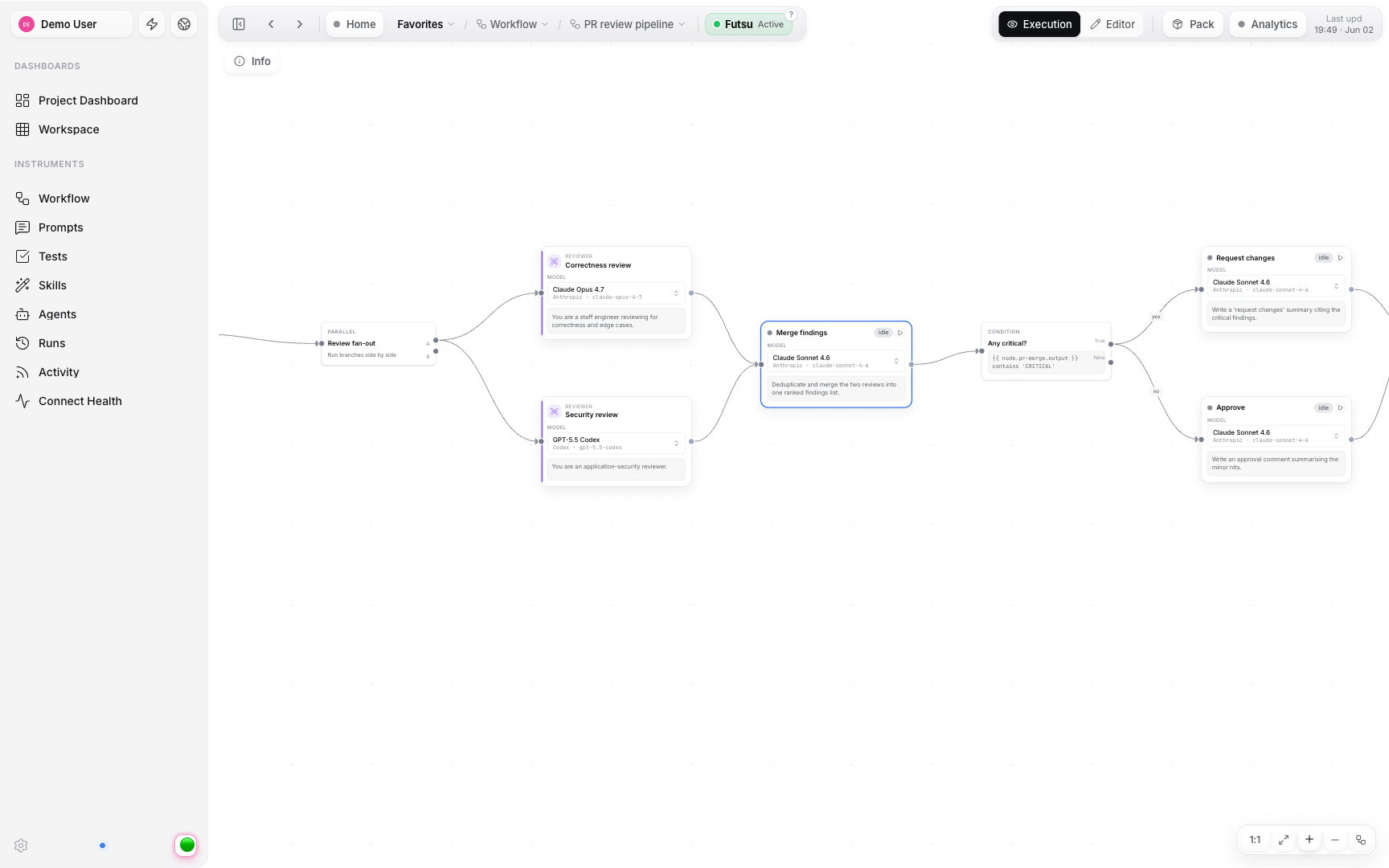
Your pipelines, wherever you work.
Bridge Futsu and Obsidian and keep both in sync.